
 Walk into a 3D lesson.Watch a learner go through the bar scenario, step by step.
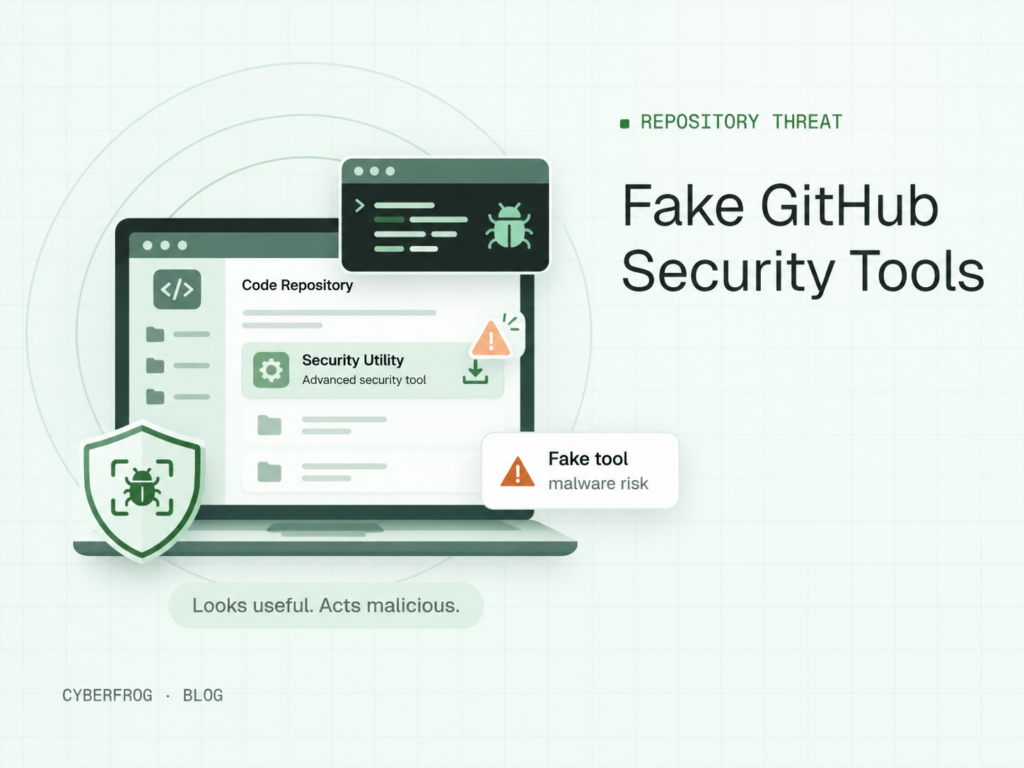
Fake GitHub security tools are being used to distribute malware through repositories that appear to offer legitimate cybersecurity utilities. In a campaign investigated by Doctor Web and disclosed on November 5, 2026, researchers identified malicious projects targeting security professionals and cryptocurrency users, with more than 2,000 computers reportedly infected.
The attack demonstrates a dangerous shift in social engineering: cybercriminals are exploiting professional trust in developer tools, not just suspicious emails. For organizations, the lesson extends beyond protecting code. Employees who download, inspect, or execute unfamiliar software need practical skills to identify threats before they compromise corporate systems.
Fake GitHub Security Tools: What Happened?
Security researchers at Doctor Web uncovered a malware distribution operation involving GitHub repositories disguised as useful software projects.
The campaign reportedly began with repositories associated with blockchain games, cryptocurrency utilities, and gaming automation. Attackers subsequently expanded their targeting to cybersecurity professionals by promoting tools for vulnerability scanning, security testing, and log analysis.
These projects contained malicious instructions hidden inside files developers might ordinarily trust.
Researchers identified several important characteristics:
- Malicious Visual Studio project files designed to execute commands before compilation.
- PowerShell instructions embedded in development configuration files.
- Python and Go scripts containing concealed malicious statements.
- Multi-stage malware delivery involving encrypted payloads.
- Remote access tools and information stealers capable of compromising sensitive data.
The reported figure of more than 2,000 infected computers comes from Doctor Web’s investigation. It should not be interpreted as the total number of affected organizations or as proof that every suspicious GitHub repository is malicious.
The central problem is that familiar development workflows can become the entry point for sophisticated malware.
How Do Malicious GitHub Repositories Infect Computers?
The campaign relies on making harmful software appear useful, credible, and relevant to its intended audience.
Unlike conventional phishing attacks, which often begin with an email, this operation can start when someone discovers a repository while searching for a technical solution.
1. Attackers create convincing software projects
A developer or security analyst searching for an automation utility may encounter a repository advertising a useful tool.
The description, source files, and installation instructions can make the project appear legitimate. Attackers exploit the expectation that publicly available developer resources are generally safe to explore.
2. Malicious commands hide inside project files
Doctor Web identified malicious instructions embedded in Visual Studio project configurations and other source files.
One technique involved the PreBuildEvent feature in .csproj files. This allows commands to execute during the build process, potentially before the developer realizes anything suspicious is happening.
Other malicious instructions were concealed in Python and Go files, making superficial inspection less reliable.
3. Downloaders retrieve additional malware
Once executed, malicious PowerShell components can retrieve encrypted information pointing to additional payloads.
The reported campaign used multiple delivery stages, including a loader designed to deploy further malicious components.
This approach makes detection and investigation more complicated because the initial project may not contain every malicious capability directly.
4. Attackers establish access and steal information
Researchers identified remote access malware, cryptocurrency clipboard manipulation, and credential-stealing functionality.
The malware could collect browser information, authentication-related data, VPN configurations, and files associated with remote administration tools.
Some components also attempted to weaken security controls and maintain access after the initial infection.
Why Fake Cybersecurity Tools Are Especially Dangerous
Most security awareness programs emphasize suspicious emails, attachments, and fraudulent websites.
However, cybersecurity professionals and developers face a different type of exposure.
Their daily responsibilities frequently require downloading software, evaluating open-source projects, and testing unfamiliar code.
Attackers can exploit precisely those activities.
A security engineer searching for a network scanner may be more inclined to investigate a repository that appears technically relevant. A developer troubleshooting a problem may follow setup instructions without considering the security implications of the build process.
This is a form of social engineering built around professional context and technical credibility.
The attacker does not necessarily need to impersonate a manager or create an urgent message. A seemingly helpful tool can provide enough motivation for someone to execute dangerous code.
Organizations should therefore extend security awareness beyond traditional phishing examples and teach employees to evaluate trust at every software installation or execution decision.
Warning Signs of Malicious GitHub Repositories
Recognizing fake GitHub security tools requires more than checking whether a repository looks professional.
Employees and technical teams should investigate several warning signs before downloading or executing unfamiliar projects.
Unverifiable project ownership
A repository may claim to represent a legitimate security tool without providing convincing evidence of its authorship or maintenance.
Unexpected installation requirements
Instructions requesting unusual PowerShell commands, elevated permissions, or security feature changes deserve additional scrutiny.
Hidden or unexplained code execution
Build scripts, configuration files, and automation workflows should be examined for commands unrelated to the project’s stated purpose.
Suspicious download destinations
Projects that retrieve executable files from unrelated domains or unexpected locations may introduce additional risks.
Limited independent validation
Train people for the attacks they actually face.
Build stronger habits with phishing, vishing, smishing, deepfake and immersive 3D simulations employees remember.
New repositories without credible documentation, trusted references, or a verifiable development history require careful assessment.
None of these indicators independently proves malicious intent. Together, however, they can justify further investigation.
Security teams should also consider whether stolen credentials could create secondary exposure. Following a confirmed compromise, dark web monitoring can complement incident response by helping organizations investigate possible credential exposure and related threats.
How Organizations Can Prevent GitHub Malware Attacks
Preventing repository-based malware requires both technical controls and informed employee decisions.
A strong defensive approach combines software governance, endpoint protection, and targeted security awareness training.
Establish a trusted software acquisition process
Organizations should define which repositories, package registries, and software sources employees may use.
Before adopting unfamiliar tools, technical teams should verify project ownership, inspect dependencies, and evaluate execution requirements.
High-risk utilities should undergo security review before receiving access to sensitive environments.
Inspect code before executing it
Security teams should pay particular attention to build scripts, dependency installation commands, and automated workflows.
Reviewing source code is helpful, but it is not sufficient when attackers deliberately hide commands inside configuration files.
Unknown projects should be tested in isolated, disposable environments without corporate credentials or unnecessary network access.
Apply layered endpoint protection
Endpoint detection and response, application controls, least-privilege permissions, and centralized logging can help reduce the impact of malicious software.
Organizations should also protect administrative credentials and restrict unnecessary access to sensitive infrastructure.
No single control guarantees prevention, particularly against malware designed to evade security monitoring.
Train employees using realistic scenarios
Technical safeguards are essential, but employees still make decisions about which tools to trust.
Effective security awareness training with Cyberfrog can reinforce verification habits and help organizations address human-centered cyber risks.
Training should include examples relevant to developers, IT administrators, and security analysts rather than relying exclusively on generic phishing messages.
What Should You Do If You Executed a Suspicious GitHub Tool?
Anyone who believes they executed malicious code should report the incident immediately.
Avoid continuing normal work on the potentially affected device.
Security teams should follow a structured response process:
- Contain the endpoint. Isolate the system using approved incident-response procedures to limit further communication or movement.
- Preserve evidence. Retain relevant repository details, execution logs, filenames, and detection alerts.
- Investigate malicious activity. Examine processes, persistence mechanisms, network connections, and potential data access.
- Protect exposed credentials. Revoke potentially compromised sessions and rotate affected secrets from a trusted device.
- Remediate and monitor. Remove the threat or rebuild affected systems when necessary, then monitor for recurring malicious activity.
Where sensitive development credentials or administrative sessions were accessible, investigators should assess possible consequences beyond the original endpoint.
Early reporting is critical. Employees should know that identifying and escalating suspicious activity is more valuable than quietly attempting to resolve a possible infection themselves.
Turn GitHub Malware Incidents Into Security Awareness Lessons
The campaign demonstrates why security education should reflect the situations employees actually encounter.
A useful training exercise could present a developer with a repository advertising a free security scanner. The learner must examine the project, identify suspicious installation instructions, and decide whether to proceed or request verification.
Cyberfrog’s attack simulation capabilities support realistic exercises designed to strengthen employee responses to cyber threats.
Organizations can also reinforce these lessons through role-specific training and discussions about software trust, suspicious downloads, and incident reporting.
The same principles apply when attackers use other professional platforms to distribute malicious software. Cyberfrog’s article on fake LinkedIn job offers delivering malware illustrates how trusted workflows can be manipulated to compromise technical professionals.
The objective is not to discourage legitimate open-source collaboration. It is to develop habits that help employees recognize when an ordinary task introduces an extraordinary risk.
Frequently Asked Questions
Can GitHub repositories contain malware?
Yes. GitHub hosts legitimate software projects, but malicious actors can also upload harmful code or compromise existing repositories.
A repository being publicly accessible does not guarantee its safety. Users should verify maintainers, review installation instructions, and evaluate suspicious dependencies before executing unfamiliar software.
How can I identify fake GitHub security tools?
Look for inconsistent project ownership, unusual execution requirements, unexplained scripts, and downloads from unrelated infrastructure.
Repository popularity alone should never determine trustworthiness. Organizations should combine manual inspection, reputation checks, isolated testing, and security policies before adopting unfamiliar tools.
Can malware execute when building a Visual Studio project?
Yes. Visual Studio projects can contain build events and other automated instructions that execute commands during compilation.
The campaign investigated by Doctor Web demonstrated how malicious instructions inside project configuration files could trigger additional malware delivery. Developers should inspect unfamiliar build configurations before running them.
Is security awareness training useful for developers?
Yes. Developers face specialized threats involving repositories, dependencies, development environments, and technical impersonation.
Role-specific awareness training helps them recognize unusual requests, verify software sources, and report suspicious behavior. It complements technical controls such as code review, endpoint protection, and restricted execution environments.
Help Your Team Recognize Threats Before They Become Incidents
Fake GitHub security tools demonstrate that even experienced technical professionals can encounter carefully disguised malware. Reducing this risk requires more than warning employees about suspicious downloads. Organizations need practical training that strengthens verification habits, encourages early reporting, and reflects real working environments.
Cyberfrog helps organizations build security awareness through realistic simulations and interactive learning experiences.
Explore how your team can strengthen its human defenses and request a Cyberfrog security awareness demo to see how practical training fits into your cybersecurity strategy.
Sources
- Hackers use fake github security tools gbhackers.com
Make awareness training feel real.
Phishing, vishing, smishing, deepfake and 3D simulations with AI content and unified reporting.