

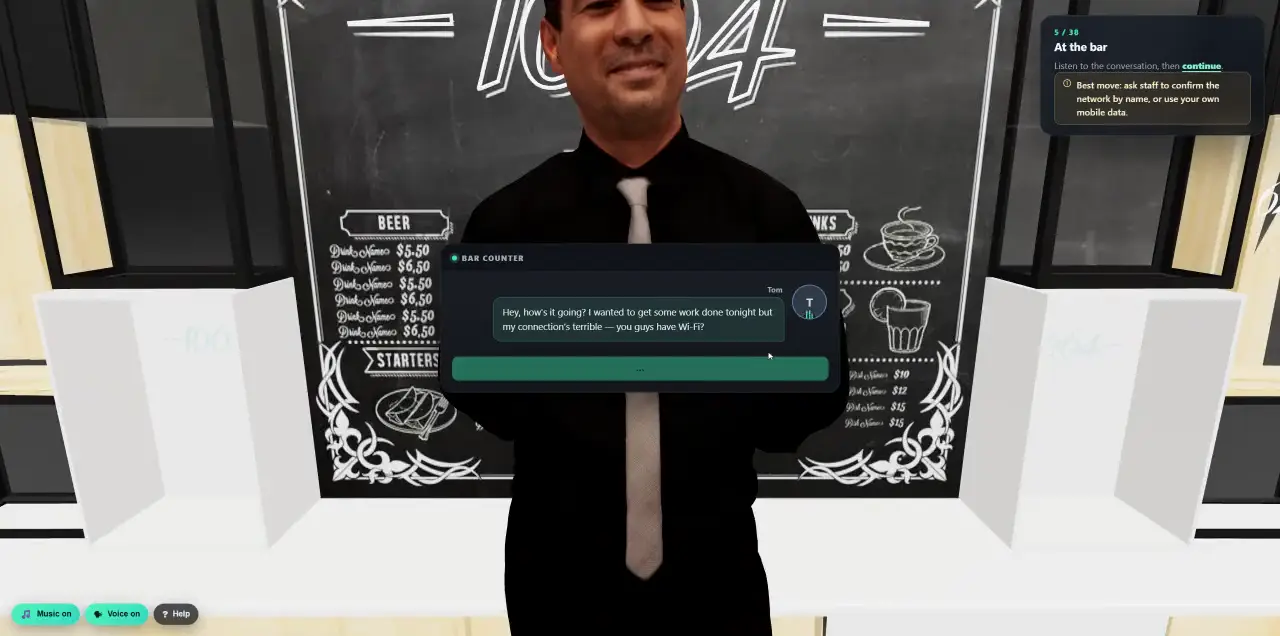
 Walk into a 3D lesson.Watch a learner go through the bar scenario, step by step.
- Walk into the barLearners move freely through a 3D bar, right in the browser. No install, no headset.
- Talk to peopleClick the bartender to order a drink. Characters answer in real time.
- A friendly Wi-Fi tipTom asks for the Wi-Fi. The coach panel hints at the best move: confirm the network by name.
- Start the laptopThe camera moves onto the laptop on the counter. Press power and sign in.
- Pick a networkThe strongest signal is an open hotspot called FREE-BAR-WIFI-SUPERFAST. What would you choose?
- Find the real siteSearch for the company mail portal. One result is a look-alike domain, and the lesson shows why.
- Meanwhile, across the streetThe attacker's hotspot logs every step: the search, the click, the password.
- A free cocktailA QR sign on the table offers a free drink.
- Sign in to claim it?The phone opens a Microsoft look-alike. Sign in, or say this doesn't feel right?
- Consequences play outThe bar's TV reports a data breach traced to a stolen login.
- A debrief after every mistakeWhat happened, how to spot it next time, how to prevent it.
- A friendly distractionA new acquaintance posts a selfie from the bar.
- Every post is reconnaissanceThe attacker zooms in: a confidential document and a login in the background.
- Rewind and decideLearners choose which photos actually get posted.
- Security briefingA presenter recaps the three lessons of the night.
- Quick quizFour questions. Completion and score land in your reports.
- Training
- Immersive 3D lessons
Don’t read about the attack. Walk into it.
This is a real learner in our walkable bar lesson. In 14 minutes they trust a stranger’s Wi-Fi, scan a free-drink QR code and post one selfie too many, and they feel every consequence before anything real happens.
Explore, talk, decide, learn from it.
Every lesson follows the same rhythm, so people know what to do from the first click, and every path leads somewhere. There are no dead ends.
- 01Explore a real place
A bar, an open-plan office, a hotel pool or a home office. Learners move around and click what looks interesting.
- 02Talk to people
The bartender, a visitor, an IT technician or a deepfake CEO. Characters speak and answer in real time.
- 03Decide and see what happens
Join the network or ask staff? Sign in or say no? Each choice plays out, including the attacker’s side of the story.
- 04Debrief and quiz
After each mistake a short debrief: what happened, how to spot it, how to prevent it. A quiz closes the lesson.
Experience sticks. Slides don’t.
People remember the moment they nearly typed their password into a fake site far better than a bullet point about it. 3D lessons create that moment safely.
- In the browser
- Runs on ordinary work laptops. No install, no plug-in and no headset, with a fallback for older graphics.
- Real conversations
- Characters talk with natural AI voices and react to what the learner does.
- Your company
- Change texts and quiz questions, and the workplace-policies lesson shows your own policy documents.
- Tracked
- Completion and quiz score land in campaign results, programmes and reports, and SCORM packages run in your LMS.
Your company, your story. Without a developer.
Admins adapt the lessons from the library in the Cyberfrog platform, scene by scene, and save the result as their own course.
- Scene by scene
- Every scene comes with a picture of what learners see, right next to the texts on that screen.
- Names, places, messages
- Change character and company names, emails, chat messages and on-screen texts to fit your organisation.
- Your quiz
- Edit the questions, the answers and the pass mark.
- Safe to change
- The result is a separate course in your library. The original stays as it is, running campaigns keep their version, and spoken lines stay as recorded so voice and screen always match.
A growing library. Every major risk.
A selection from the library, from a short visit to a full office day, with new lessons added all the time. Filter by topic, or try one right now.
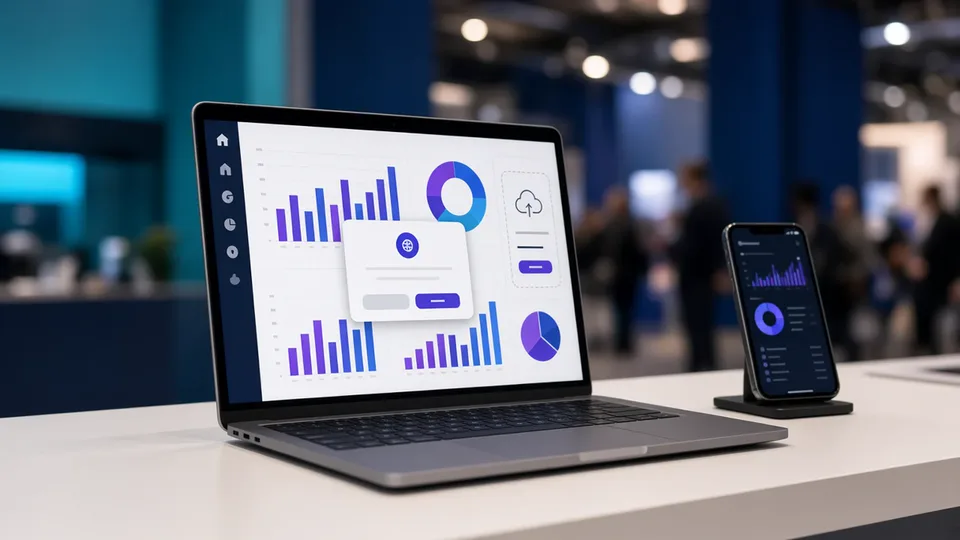
One Click Too Many: AI Apps & Vibe Coding
An AI-built dashboard rescues the expo demo, if you feed it the right data. Then an AI app asks for access to your Microsoft 365 account.
Try it now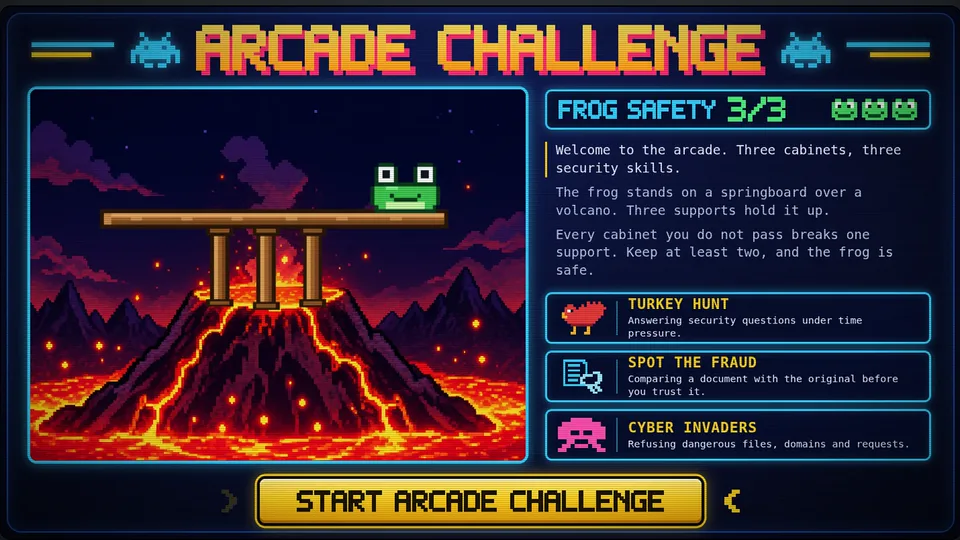
Arcade Challenge
Gamification taken to a new level: the whole course is a game. Spend your day off in a retro arcade, play three cabinets and keep the frog above the volcano.
Try it now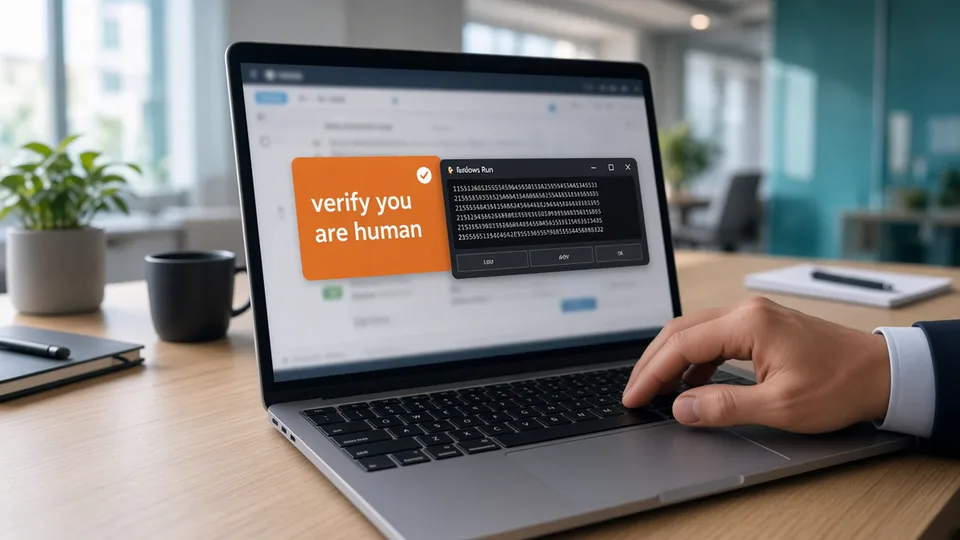
The Fake Browser Fix
A CAPTCHA that wants you to press Win+R, a security alert with a phone number, and a ‘technician’ who asks to control your laptop.
Try it now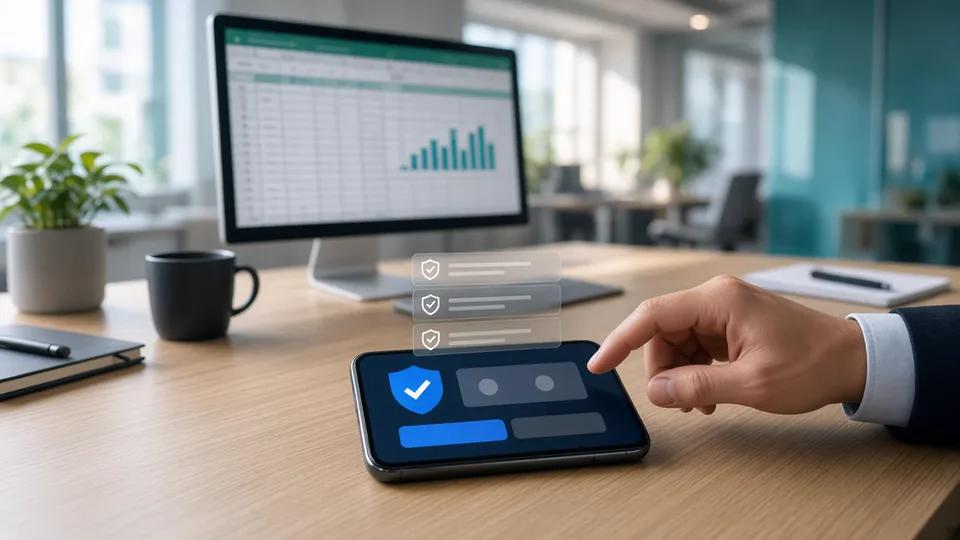
Approve or Deny
Your phone keeps asking you to approve sign-ins. Tell your own requests from an attacker’s, then take a call from ‘IT’ that hands you the number.
Try it now
The Message From IT
A fake IT helpdesk in Teams, a hijacked colleague on Slack and one permission screen at a beach bar. Then see the attack from the other side.
Try it now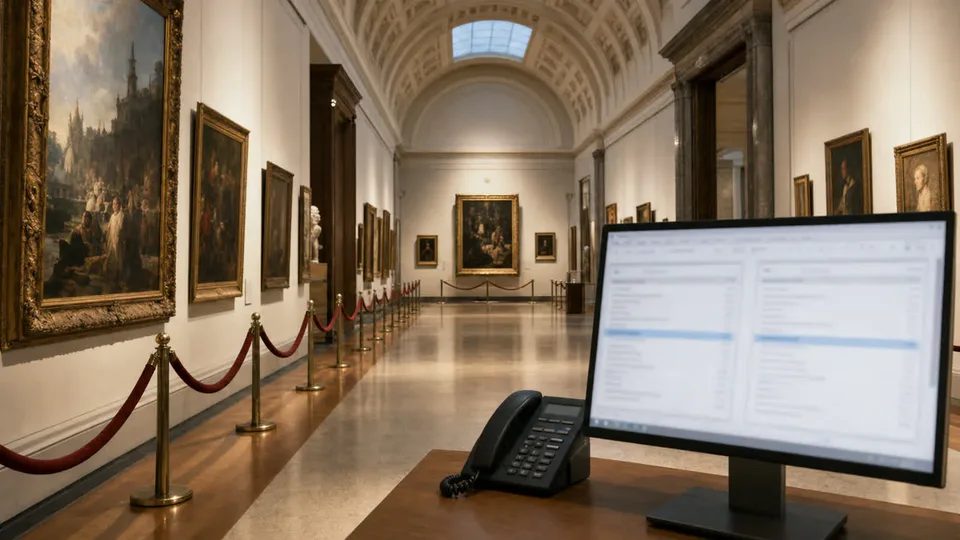
The Invoice That Changed
A trusted supplier’s real email thread brings a revised invoice with one changed bank account. Inspect it, verify it and decide what to pay.
Try it now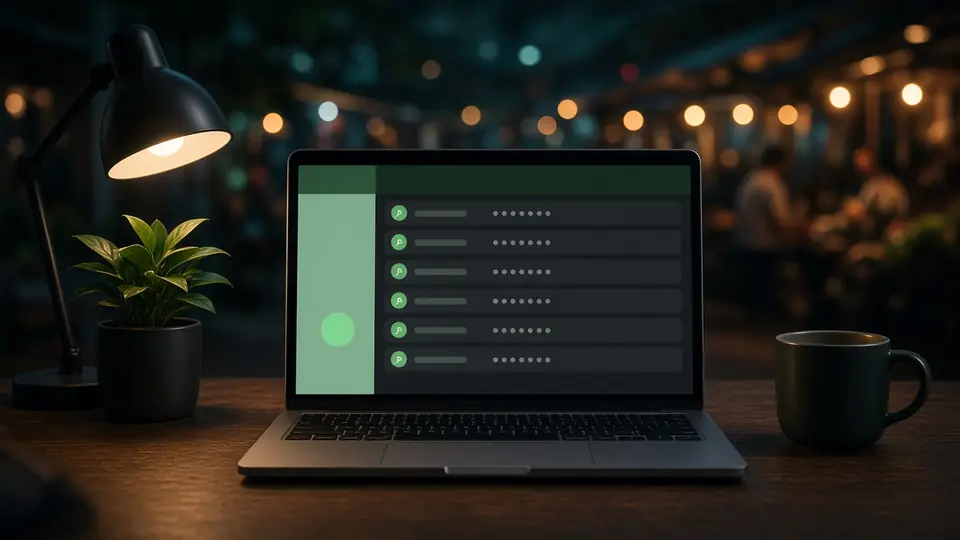
From Your PC to the Dark Web
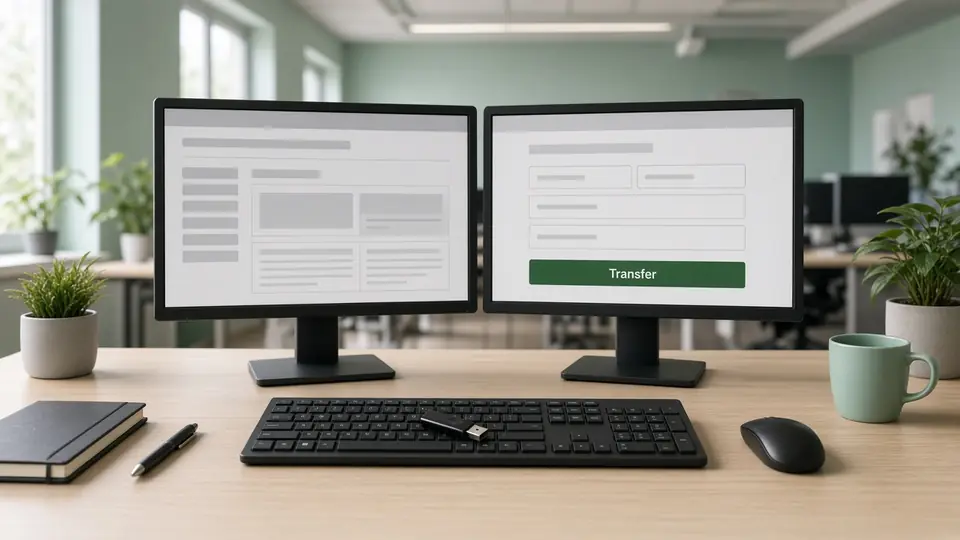
How credentials are stolen, traded and reused, with phishing, infostealer, rogue Wi-Fi and BadUSB labs.
Try it now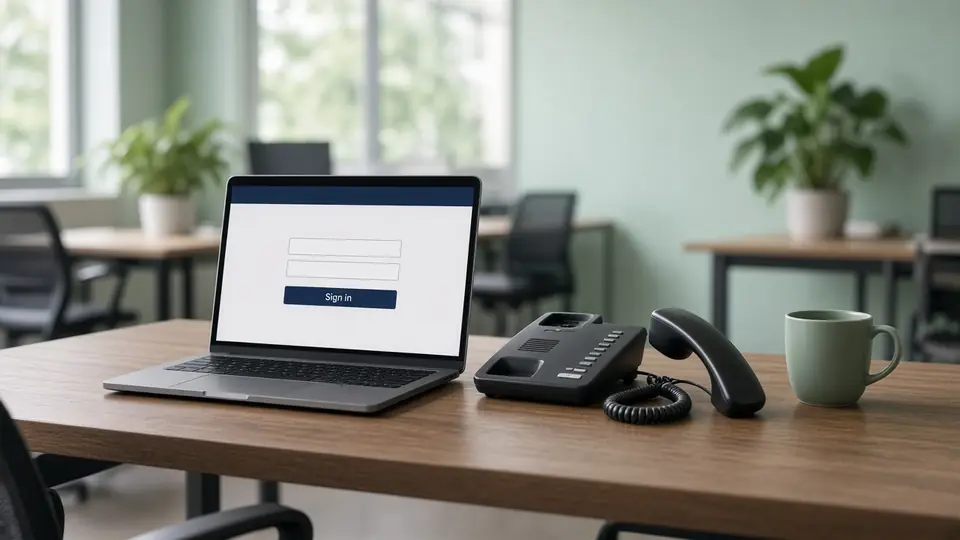
The Bank That Wasn’t
A look-alike bank login, a staged account lockout and a phone call asking for a one-time code.
Try it now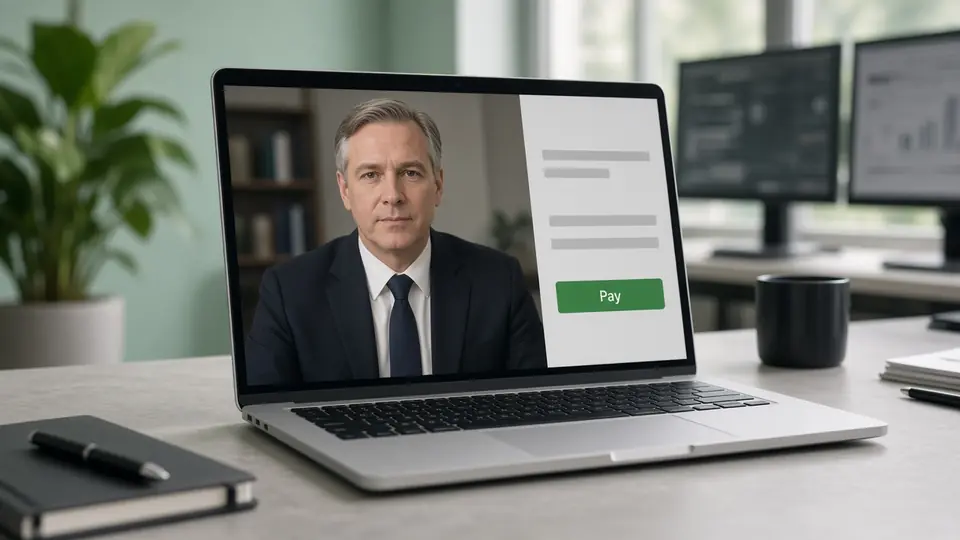
The CEO on the Call
A whaling email primes a deepfake executive video call that asks for an urgent wire transfer.
Try it now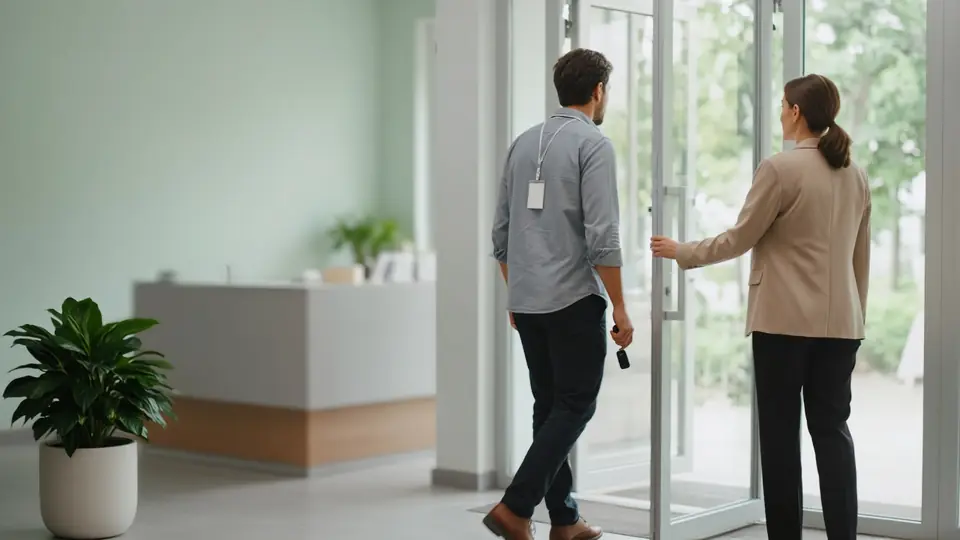
The Visitor
A confident stranger talks their way onto an unlocked PC and leaves a hidden keylogger behind.
Try it now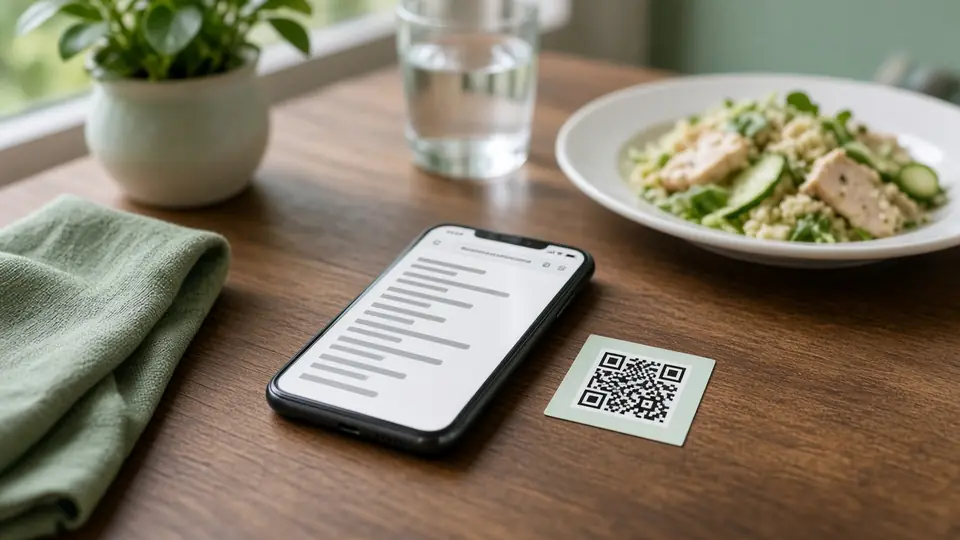
QR Code Phishing at the Restaurant
A table QR code leads to a look-alike site, over-broad permissions and a deepfake call.
Try it now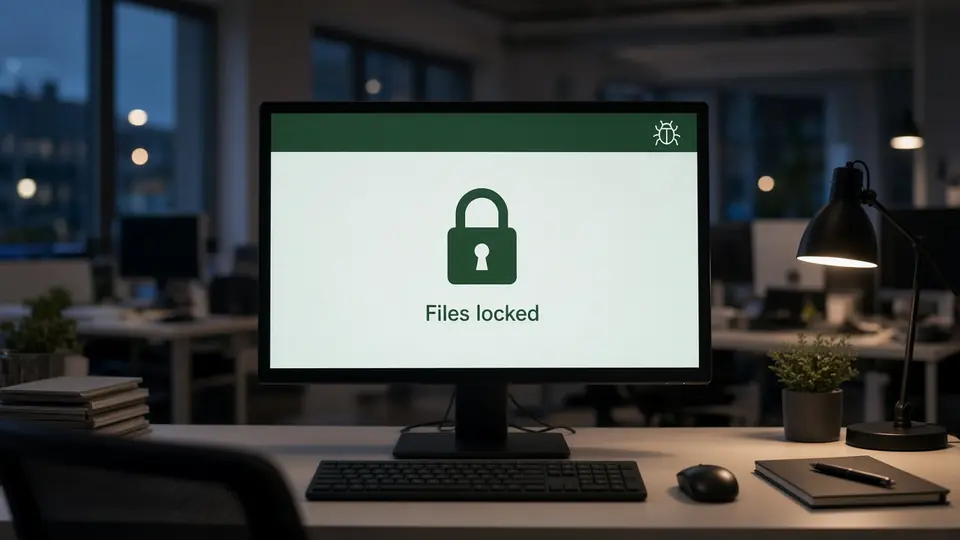
Ransomware at the Bank
One unverified IT-support call starts the whole chain, all the way to a leak blog and the evening news.
Try it now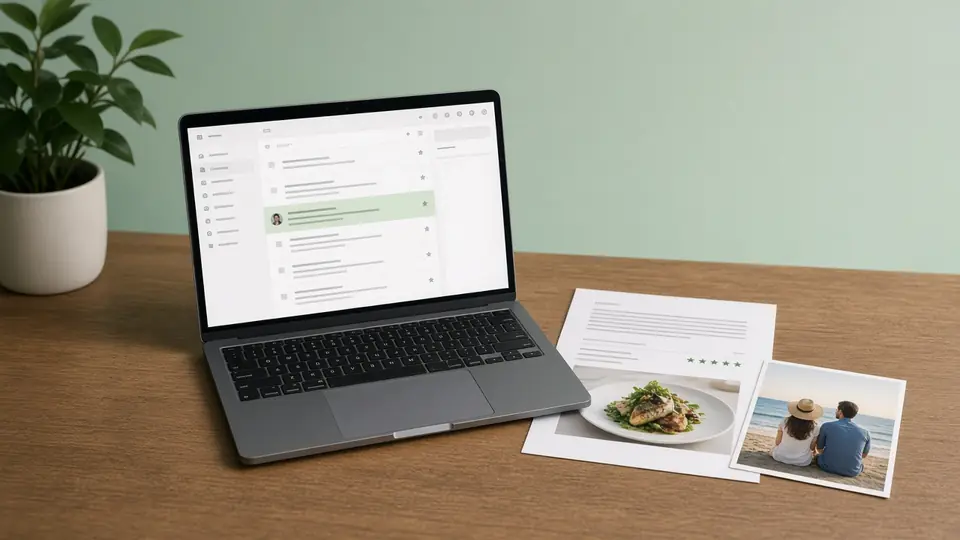
Spear Phishing: The Perfect Bait
A restaurant review and a holiday photo give an attacker everything for a flawless spear-phish.
Try it now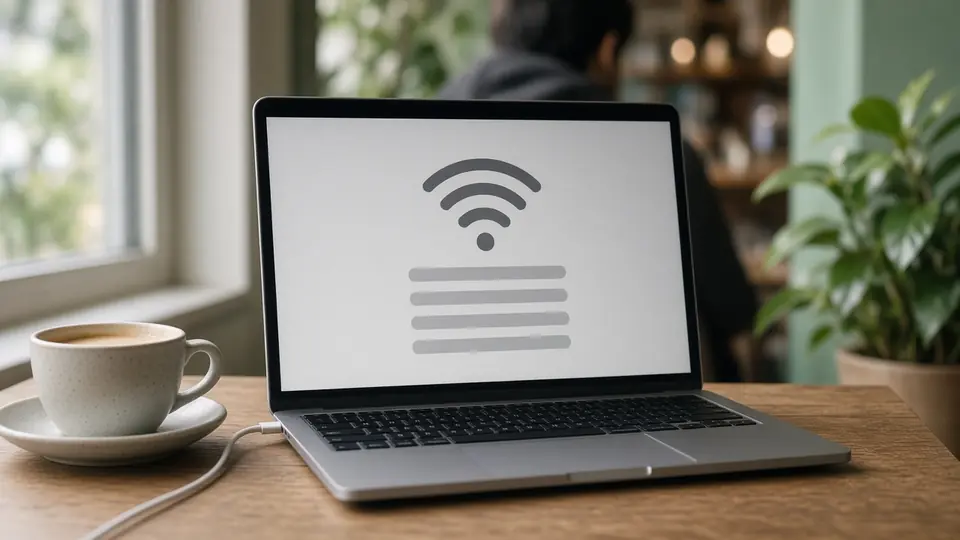
Max Works Remotely
Public Wi-Fi, shoulder surfing, a forgotten laptop, juice-jacking and a deepfake CEO request, with a live risk meter.
Try it nowThe Office Under Attack
Tailgating, a baited USB drive, a fake wire request, a deepfake call and ransomware, across one working day. In English, German, Spanish and French.
Try it now
Handling Company and Customer Data
Twelve short chapters, from collecting only what is needed to privacy requests and disposal.
Try it now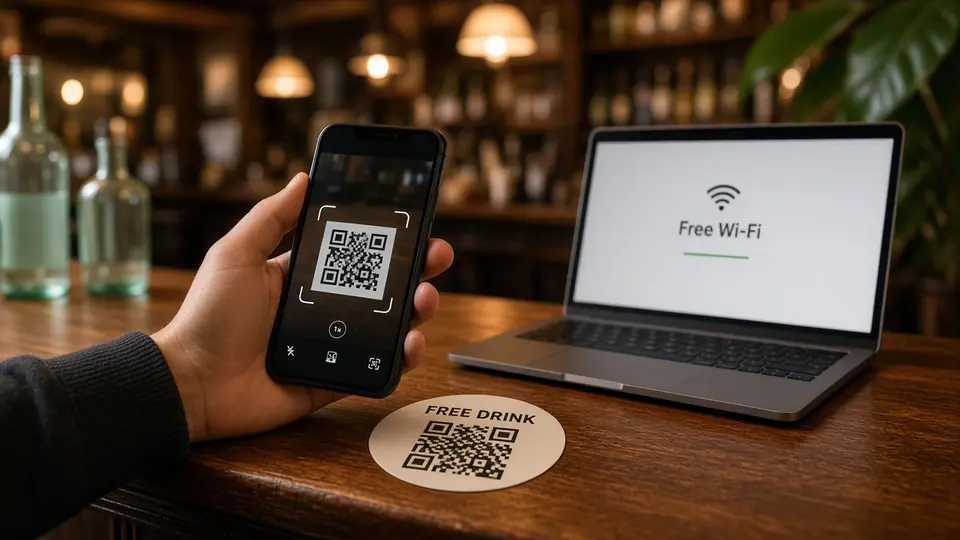
The Walkable Bar
A stranger’s hotspot, a free-drink QR code and one selfie too many, followed by a spear-phish the next morning.
Try it now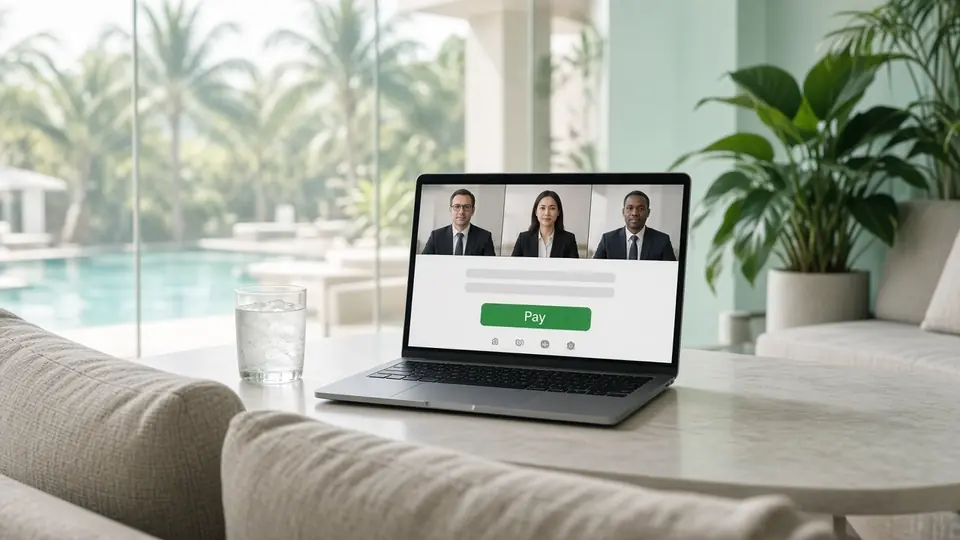
The Holiday Call
A finance director on holiday joins a multi-person deepfake video call about an urgent acquisition payment.
Try it now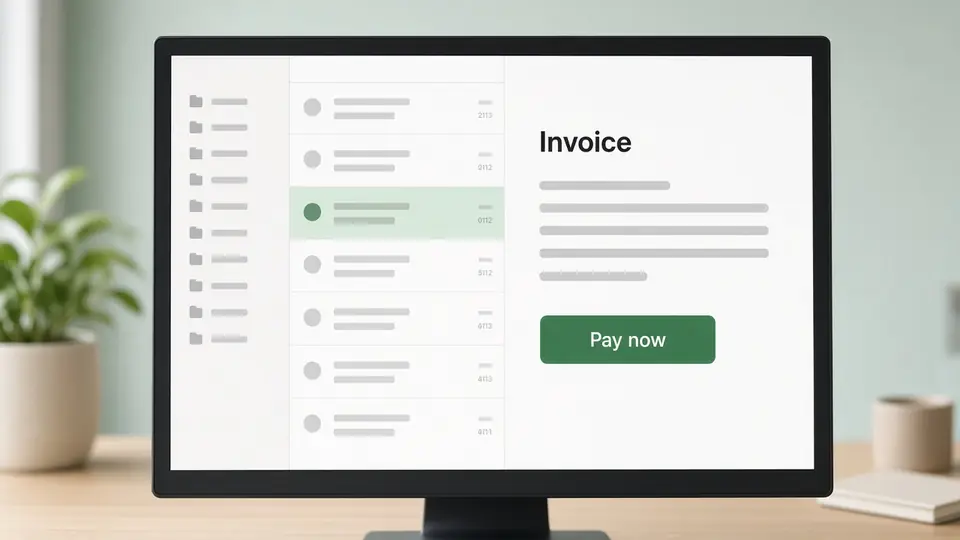
Spot a Phishing Email
Sort a real inbox, then face spear phishing and a phishing email backed up by a voice call.
Try it now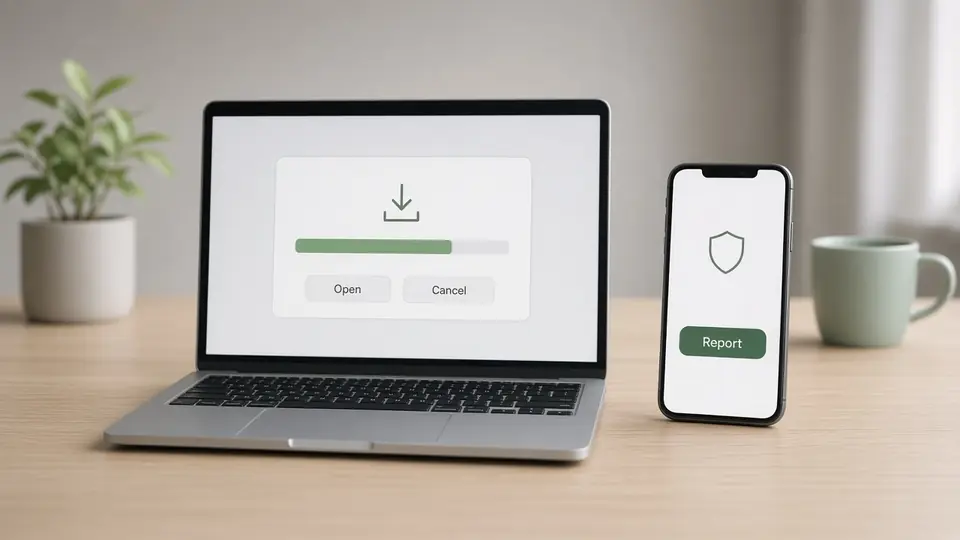
Report an Incident
A download on a personal laptop turns into a company incident that has to be reported, fast.
Try it now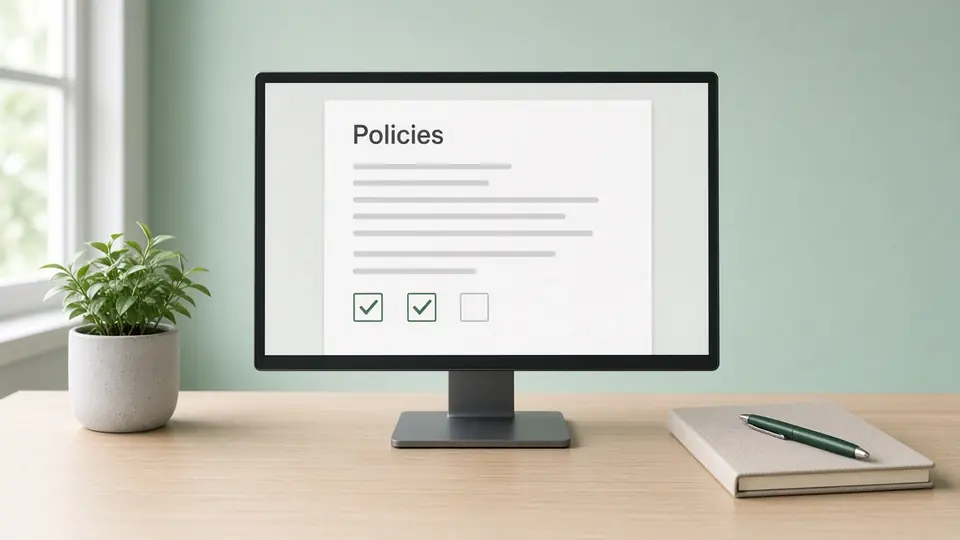
Your Workplace Policies
Learners open your policy site in 3D, read each of your company’s own policies and acknowledge them.
Try it now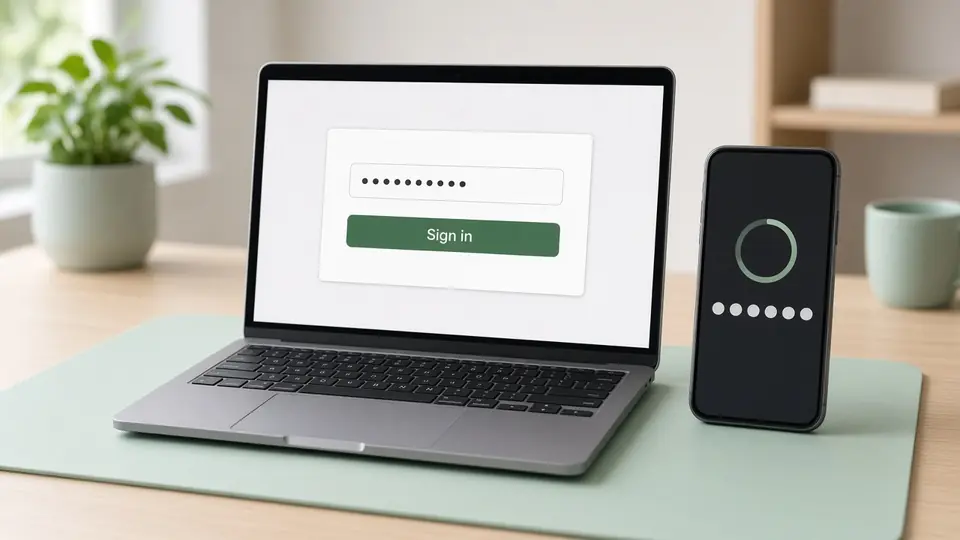
Passwords and Sign-in
A leaked streaming password, a salary email and a public profile: how one reused password opens everything.
Try it now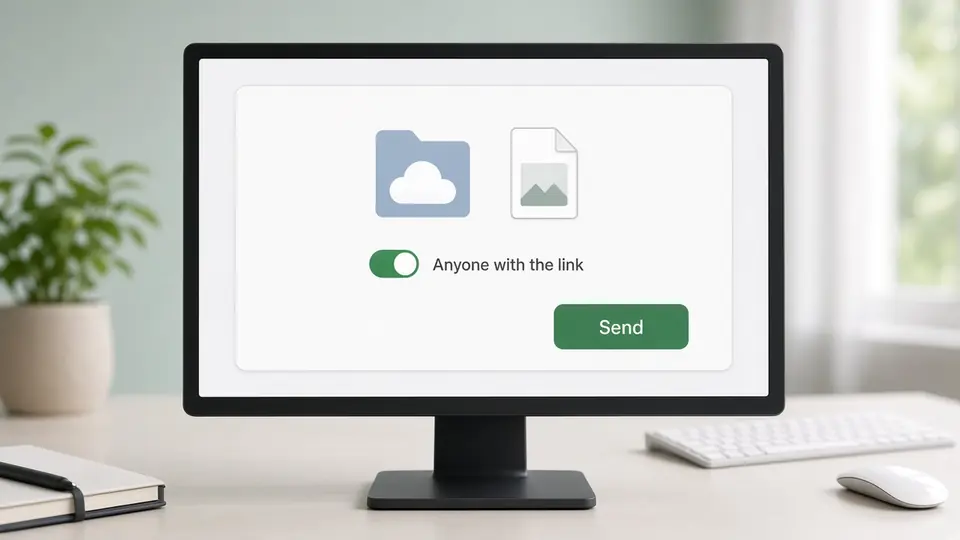
Sharing Files Safely
Send a file to the right person, share a public link and decide on an app’s access request.
Try it now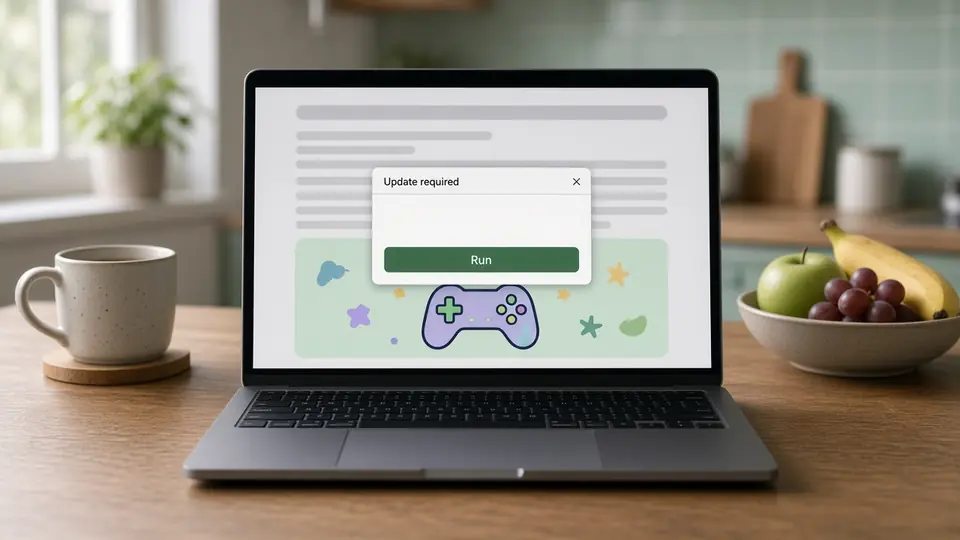
Malware: The Game Site
A news-site game asks for a notification, a browser upgrade and a repair. Which one installs malware?
Try it now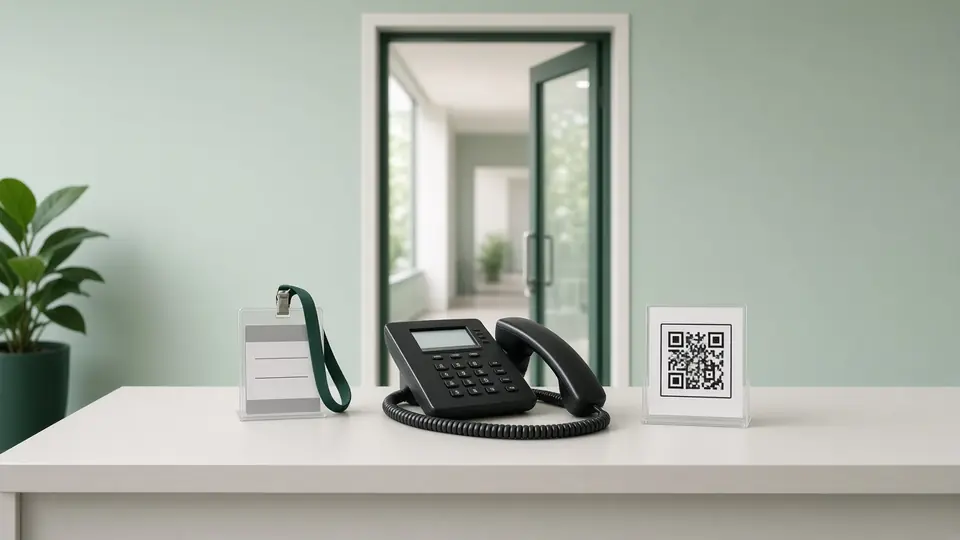
Pause and Verify
A visitor at the door, a deepfake call, rogue Wi-Fi, a bad USB, a voice call and a QR code.
Try it now
Remote Work and BYOD
A full working day away from the office, on company and personal devices.
Try it now
Using AI Safely at Work
Use an AI assistant to summarise a contract without handing over what it must not see.
Try it now
Assign once. Cyberfrog does the rest.
- PlanAnnual programmes
Schedule 3D lessons across the year next to videos, courses and simulations.
See programmes - Follow upAfter a simulation
Send the lesson that matches the attack to the people who took the bait.
See simulations - CreateYour own scenario
Describe a situation and the Studio drafts a storyboard for a new 3D lesson.
See the Content Studio
Walk through a lesson with us.
In a 30-minute demo we play a 3D lesson together and show how it fits your programme.