
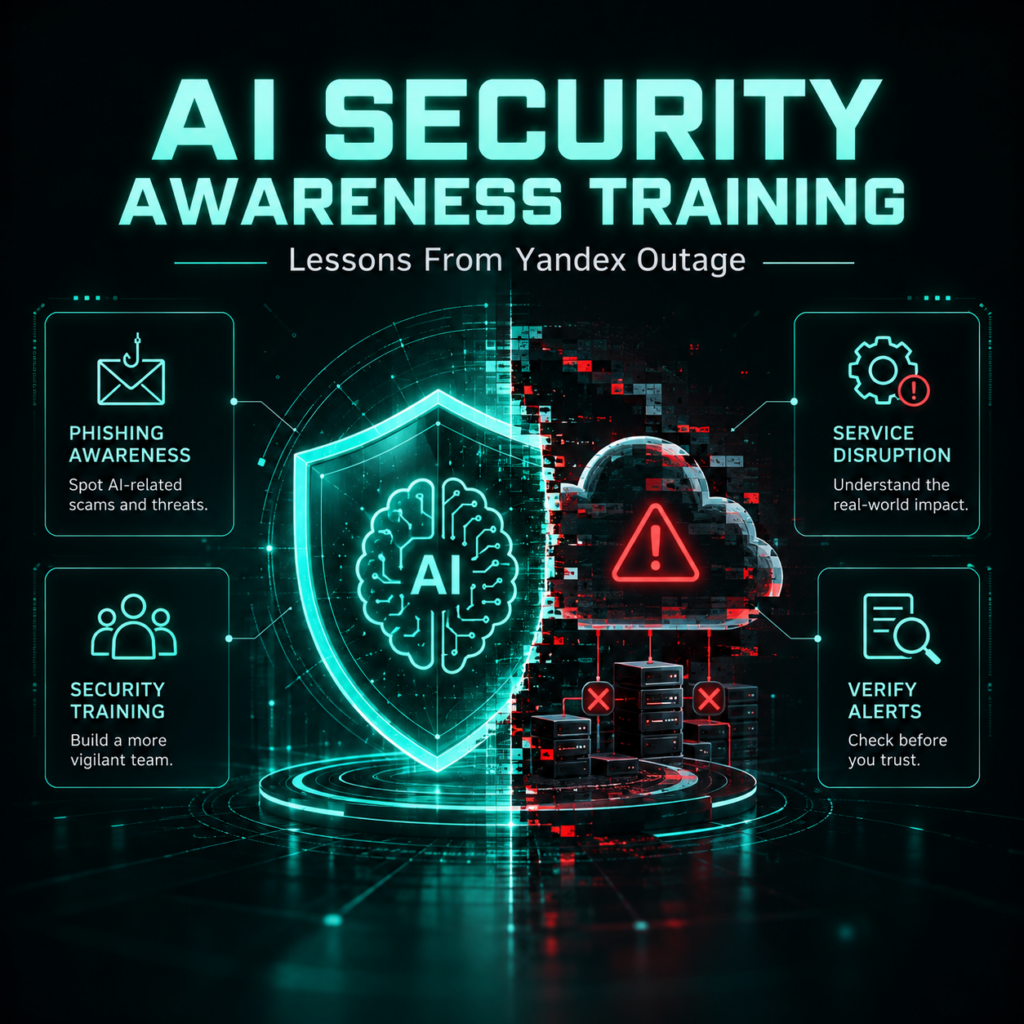
AI Security Awareness Training helps organizations turn real-world technology disruptions into practical lessons about employee behavior, cloud resilience, and social engineering. On October 12, 2026, BleepingComputer reported that Yandex confirmed service outages after drone attacks damaged three data centers, leaving some customers unable to access cloud files. Although this incident is an infrastructure disruption rather than a confirmed phishing attack, it highlights why organizations need resilient cloud operations and employees who can recognize suspicious communications during service interruptions.
The incident also demonstrates how operational problems can create opportunities for deception. When employees urgently need documents, business applications, or shared files, they may be more inclined to trust unexpected recovery instructions. Understanding that human factor is essential to a broader cybersecurity strategy.
What Happened During the Yandex Cloud Outage?
According to BleepingComputer’s report on the Yandex outage, drone attacks affected Yandex data centers in Sasovo on October 8, Kaluga on October 9, and Vladimir on October 11, 2026. The report stated that the Sasovo and Vladimir facilities had stopped operating, while the Kaluga facility was operating with degraded capacity.
Some Yandex customers reported difficulties accessing files stored on the company’s cloud infrastructure. Reported symptoms included missing file thumbnails, failed downloads, HTTP 500 and 504 errors, and unexpected redirects.
Yandex said its teams were working to maintain services and support affected customers, but a reliable restoration timeline was unavailable at the time of reporting. The company also advised customers to use alternative disaster recovery arrangements.
The available reporting did not establish whether data stored in affected facilities had been permanently lost. A service outage, temporary loss of access, and irreversible data loss are different outcomes and should not be treated as interchangeable.
These distinctions matter for businesses communicating with employees, customers, suppliers, and regulators. Incident updates should reflect verified information rather than assumptions about the extent of the disruption.
Why Cloud Outages Create New Human-Risk Challenges
Cloud services support everyday business activities, including document sharing, collaboration, customer service, finance, and software development. When an important service becomes unavailable, employees may struggle to complete routine tasks or meet deadlines.
This pressure can create conditions that social engineers exploit. An attacker does not need to cause an outage to take advantage of one. They may impersonate a cloud provider’s support team, circulate a fraudulent recovery notice, or claim that employees must reauthenticate to restore access.
Potential warning signs include:
- Unexpected messages requesting passwords, authentication codes, or account recovery details.
- Links directing employees to unfamiliar login pages.
- Urgent requests to download a recovery tool or install an unapproved application.
- Instructions to move company documents into an unfamiliar storage service.
- Messages claiming to come from IT support but asking employees to bypass normal verification procedures.
These are possible attack scenarios, not evidence that attackers exploited the Yandex outage. No confirmed phishing campaign or credential theft is established by the cited outage report.
Organizations should also consider external assets exposure when reviewing their dependencies. Public-facing portals, forgotten integrations, exposed employee contact information, and third-party services can affect the broader risk picture. However, external exposure is a separate issue from service availability and does not itself prove compromise.
How AI Security Awareness Training Applies to Cloud Outages
AI Security Awareness Training can help organizations turn an operational disruption into a practical learning opportunity. The aim is to teach employees how to verify service announcements, handle unexpected recovery instructions, and report suspicious requests while technical teams restore normal operations.
A useful program addresses the decisions employees may face under pressure rather than simply explaining what an outage is.
For example, imagine an employee receives an email claiming that access to shared files will remain blocked unless they sign in through a supplied recovery link. The employee needs to know how to check the message through an independently accessed service-status page, contact the recognized IT support channel, and report the suspicious request.
Training can reinforce three important behaviors:
- Pause before acting. An urgent business problem does not make an unexpected link trustworthy.
- Verify through a separate channel. Use an established company help desk, known contact details, or an independently accessed official status page.
- Report suspicious communications. Forward or flag the message through the organization’s approved reporting process without interacting further with it.
AI-powered security awareness training can help teams develop incident-based learning materials suited to different roles and business environments. Human review remains necessary to ensure the examples are accurate, appropriate, and aligned with organizational policies.
For additional guidance, organizations can explore practical security awareness training strategies that emphasize consistent learning and safer employee decisions.
What Organizations Should Do During a Cloud Service Disruption
Employee awareness is only one part of outage readiness. Organizations also need technical safeguards, clear responsibilities, and tested recovery procedures.
- Confirm the outage through trusted sources
Check the cloud provider’s official status page and established support channels. Communicate confirmed facts to employees, including which services are affected, approved workarounds, and where updates will appear.
Avoid forwarding unverified claims about data loss, the cause of the incident, or the expected recovery time.
- Activate business continuity procedures
Identify which workflows depend on the affected service and prioritize essential operations. If an alternative platform is required, use one approved by IT and security teams.
Staff should not independently transfer confidential business documents to personal accounts, consumer file-sharing services, or unapproved applications simply to keep work moving.
- Verify backup and recovery arrangements
Determine whether critical files exist in a separate backup or recovery environment. Confirm that backups are accessible, protected against unauthorized changes, and tested for restoration.
A synchronized copy is not always an independent backup. If a deletion or corruption event is replicated, the secondary copy may also be affected.
The National Institute of Standards and Technology’s contingency-planning guidance explains the importance of planned recovery strategies, testing, and maintaining contingency procedures.
- Reinforce identity and access controls
Use multifactor authentication, least-privilege access, and established account-recovery processes. Employees should never disclose passwords or one-time authentication codes to someone claiming to be technical support.

Train people for the attacks they actually face.
Build stronger habits with phishing, vishing, smishing, deepfake and immersive simulations employees remember.
Security teams should investigate unusual authentication events and unexpected account changes where appropriate. These measures complement employee awareness rather than replacing it.
- Review third-party dependencies
Map critical cloud providers, integrations, and business processes to understand how a service interruption affects operations. Identify alternative arrangements and clarify which team can authorize their use.
For multinational organizations and managed service providers, documented dependency maps can help teams coordinate communications and recovery across multiple customers, regions, and suppliers.
How Phishing Simulation Helps Employees Practice Outage Scenarios
A Phishing Simulation can help employees practice recognizing suspicious communications in a controlled environment before encountering similar tactics during a real disruption.
For example, an authorized exercise might present a fictional cloud-storage notification asking an employee to review a shared document. The learning objective is to assess whether the employee checks the destination, verifies the request, and reports suspicious activity according to policy.
An effective exercise should be designed around realistic workplace decisions, not trick questions. It should also provide immediate feedback explaining the warning signs and the correct reporting procedure.
Cyberfrog presents an AI-powered security awareness training platform with phishing simulations designed to support security education and simulated social-engineering scenarios. Its website also describes AI-assisted content creation and learning experiences. The platform is currently promoting a waitlist while the full product is being prepared for release.
When designing exercises around cloud outages, organizations should:
- Use fictional scenarios and approved simulation infrastructure.
- Avoid collecting real passwords or authentication codes.
- Explain the intended learning outcomes.
- Provide supportive follow-up training when employees need it.
- Coordinate exercises with IT operations and incident response teams.
A simulation result should be interpreted carefully. Clicking a simulated link does not prove an employee would be compromised during a real incident, just as completing a course does not prove that behavior has changed.
Measuring Human Risk Beyond Training Completion
Organizations should assess whether their awareness program is helping employees make safer decisions, rather than relying exclusively on course completion records.
Useful indicators include:
- Reporting behavior: Whether employees report suspicious outage-related messages through approved channels.
- Simulation outcomes: Whether employees interact with simulated lures or identify and report them.
- Knowledge retention: Whether employees can explain how to verify a service notification or recovery request.
- Improvement over time: Whether employees demonstrate better decisions following relevant feedback and additional training.
- Operational readiness: Whether employees know the approved alternative workflow and escalation procedure during an outage.
These measures should be interpreted together and in context. A single simulation result cannot establish an employee’s overall risk level, and an increase in suspicious-message reports may reflect improved reporting rather than a rise in successful attacks.
Security, IT, HR, and learning teams should use the findings to improve training and procedures, not to shame individuals. The objective is a security culture in which employees feel comfortable pausing, checking, and asking for help.
Frequently Asked Questions
Did Yandex confirm permanent cloud file loss?
The BleepingComputer report published on October 12, 2026, stated that the impact on stored data remained unclear. Customers reported access problems, but temporary unavailability does not establish permanent data loss. Organizations using affected services should follow official provider updates and verify their own backup and recovery arrangements.
Does the Yandex outage prove that a phishing attack occurred?
No. The cited reporting describes an infrastructure disruption associated with damage to three data centers. It does not establish that phishing caused the outage or that attackers stole customer credentials through social engineering. Phishing is a separate risk that organizations should consider when communicating and working around service disruptions.
How can employees recognize fake cloud recovery messages?
Employees should be cautious of unexpected links, requests for passwords or authentication codes, unfamiliar recovery applications, and urgent instructions to bypass company procedures. Verify announcements through independently accessed official status pages or established IT channels. If a message appears suspicious, report it using the organization’s approved process.
Can AI Security Awareness Training prevent cloud outages?
No. AI Security Awareness Training does not prevent physical infrastructure damage or guarantee that employees will avoid every social-engineering attack. It can help employees practice safer decisions during disruptions, while backup strategies, resilient architecture, access controls, vendor planning, and tested recovery procedures address the underlying availability risks.
Prepare Employees for the Next Unexpected Disruption
Cloud outages are a useful reminder that cybersecurity resilience depends on both reliable technology and informed decisions. Organizations can strengthen preparedness by combining tested recovery procedures with practical employee education and authorized phishing simulations.
Explore Cyberfrog to learn about its AI-powered security awareness approach, realistic simulation concepts, and waitlist for launch updates. Building familiarity with suspicious recovery requests before an actual disruption can help teams respond more confidently when normal business operations are interrupted.
Disclaimer: Cyberfrogsecurity reports on publicly available threat-intelligence sources. Inclusion of an organization in an article does not imply confirmed compromise. All claims are attributed to external sources unless explicitly verified.
Make awareness training feel real.
Phishing, vishing, smishing, deepfake and 3D simulations with AI content and unified reporting.